



تفاصيل
Logitech
Description
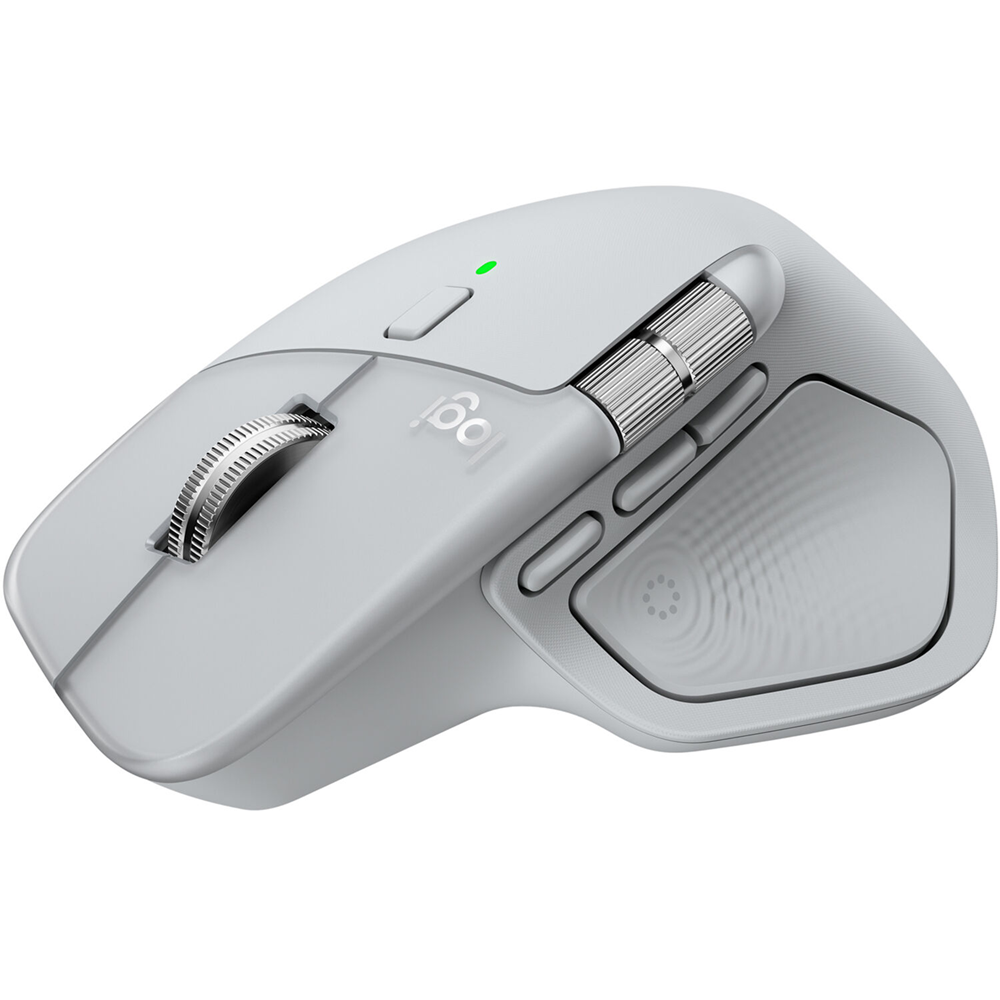
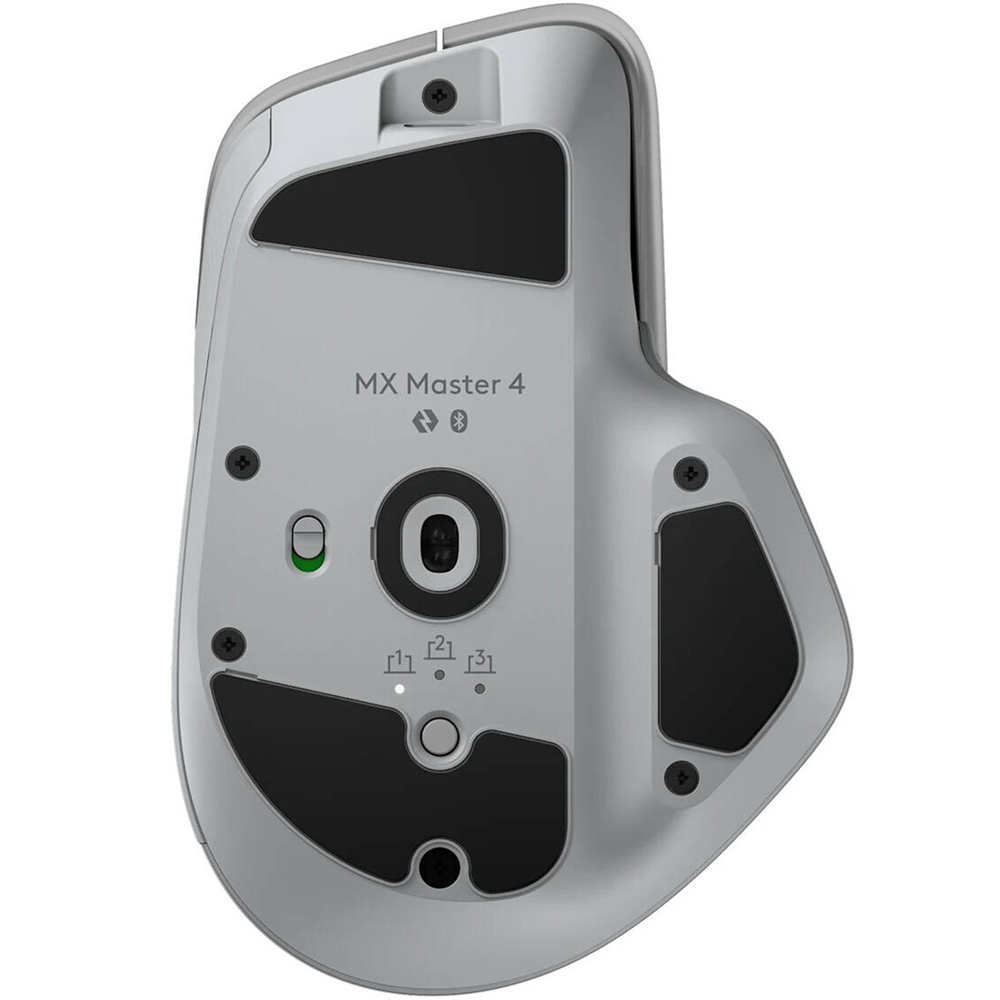
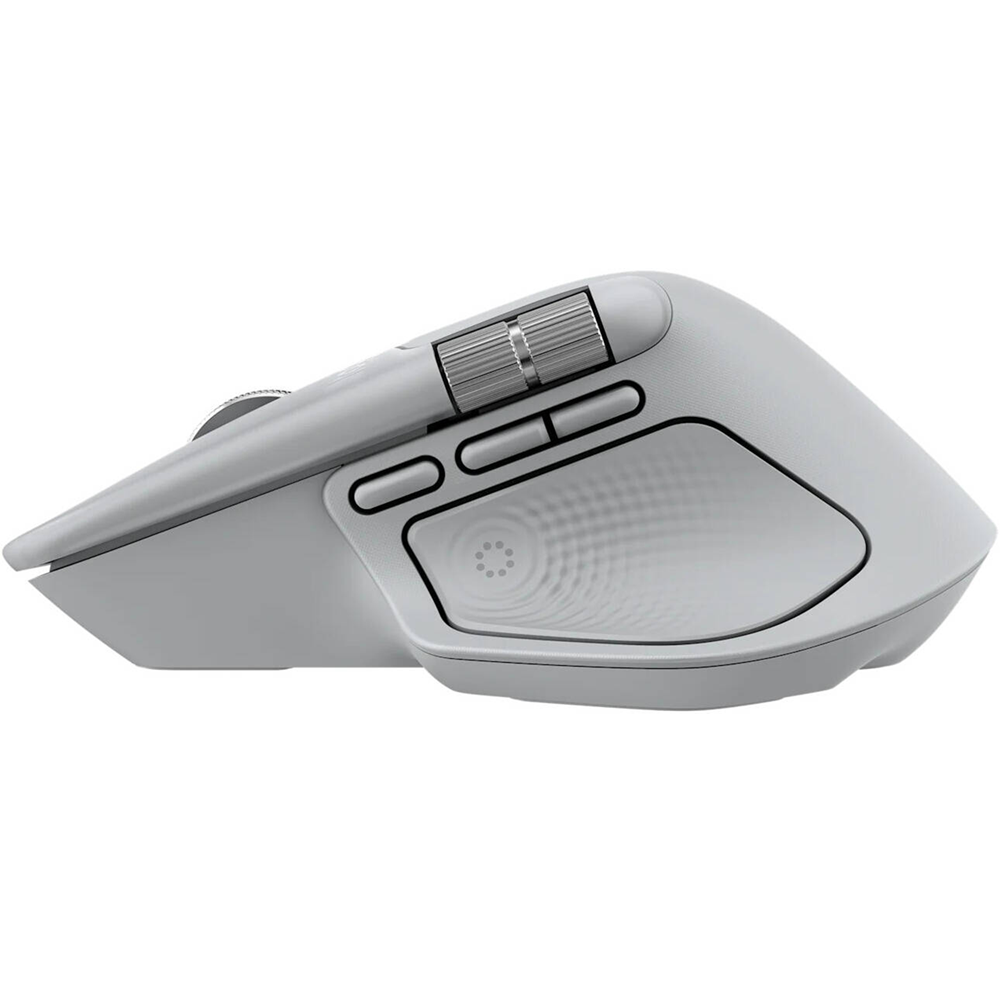
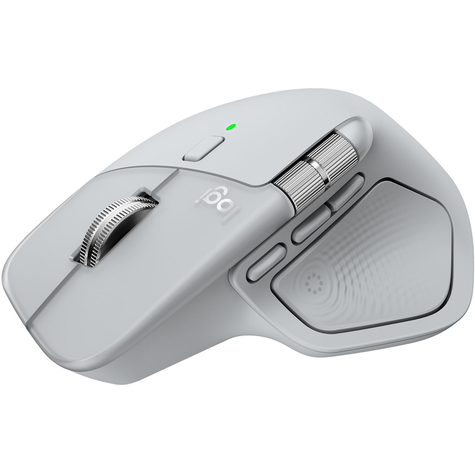
Meet the MX Master 4 that brings immersive control and precision you can feel with customizable haptic feedback on specific actions. Save up to 33% of your time with Actions Ring shortcuts and MX Master 4, by accessing tools and filters at your cursor. Additional features: 2x better connectivity, ultra fast scrolling with the MagSpeed scroll wheel, 8k DPI any surface tracking, including glass & Logi Options+ for customization.
Key Features

Immerse yourself with the Haptic Sense Panel
Save up to 33% of your time with Actions Ring shortcuts*
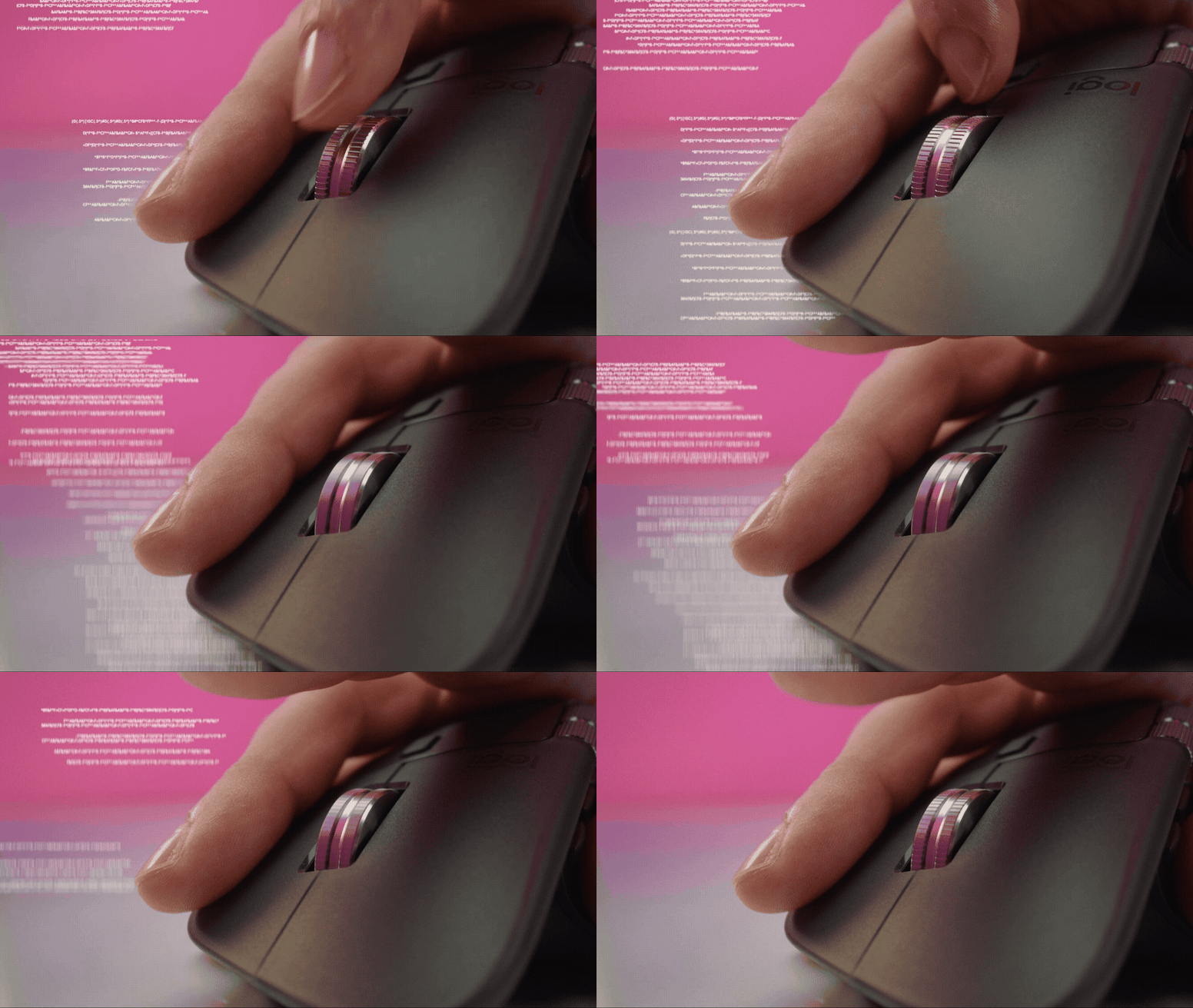
Scroll 1,000 lines per second
Track on any surface, even glass* with the 8K DPI sensor
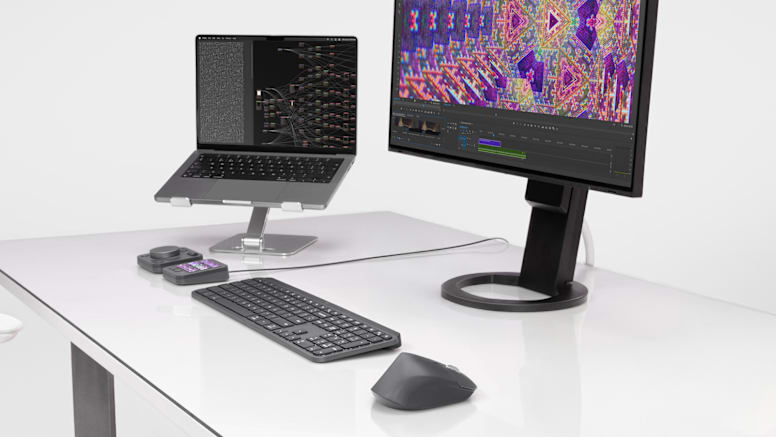
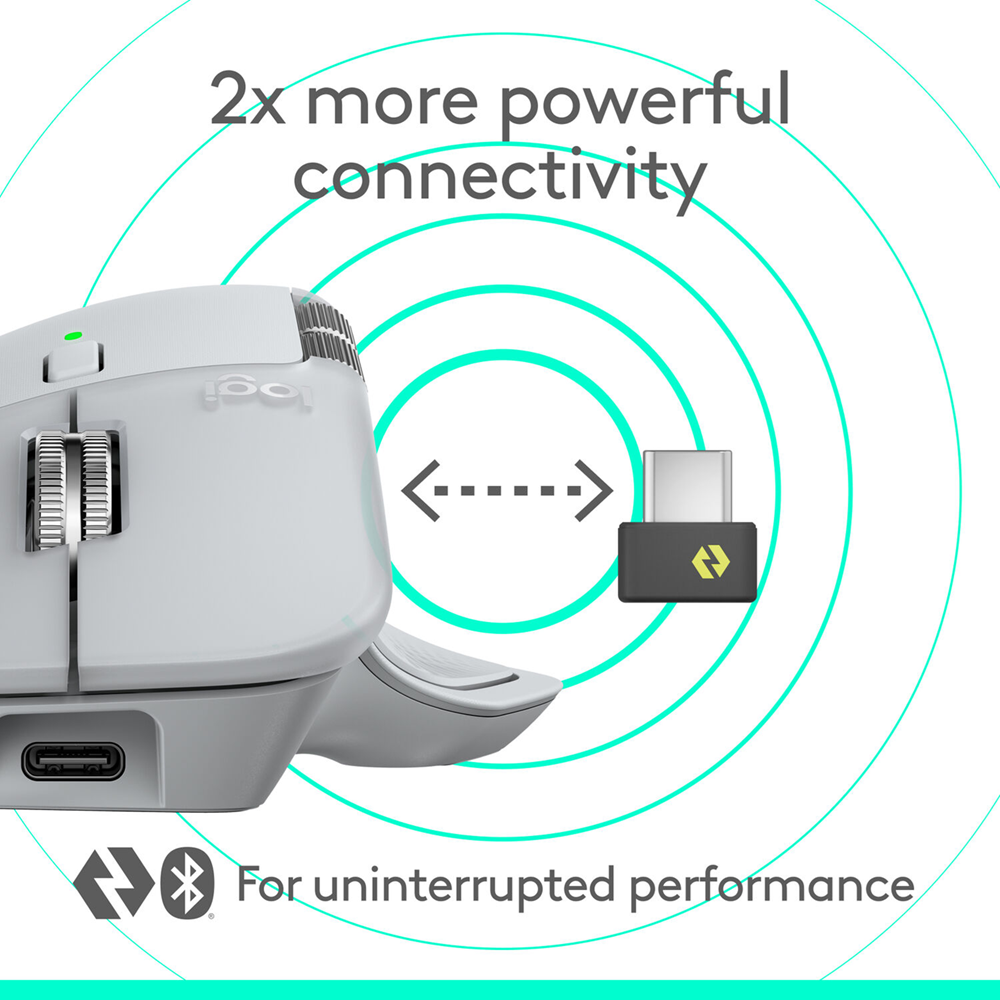
Experience 2 x more powerful connectivity*
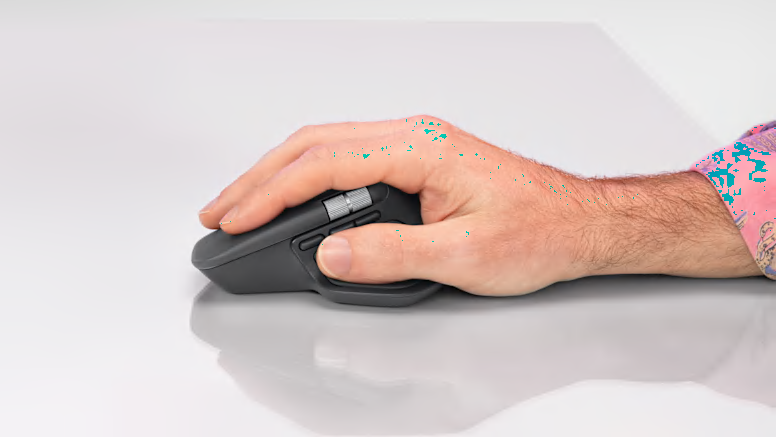
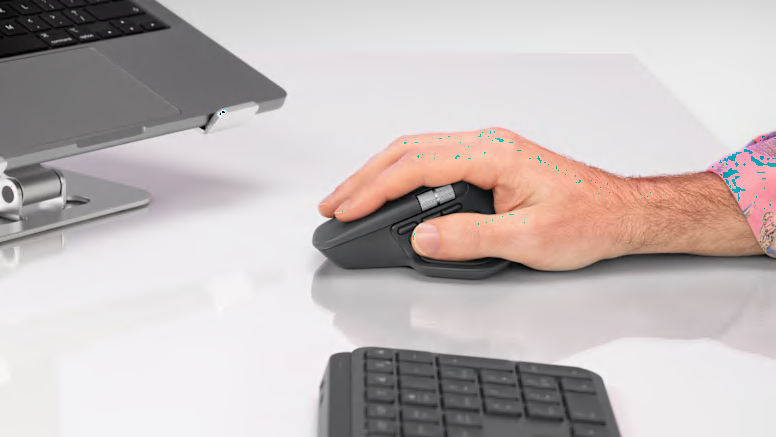
More comfort. Deeper focus.
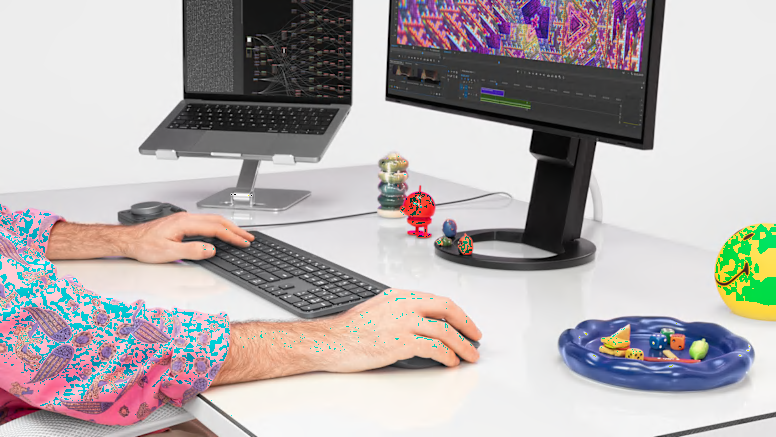
Deeper flow with 90% less click noise*
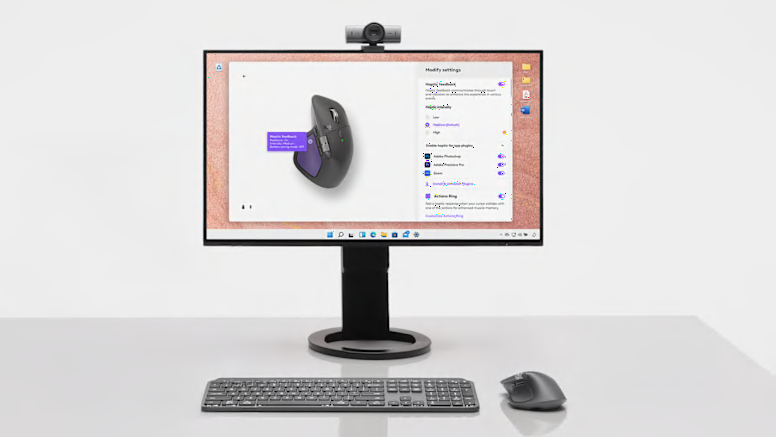
Do more with Logi Options+
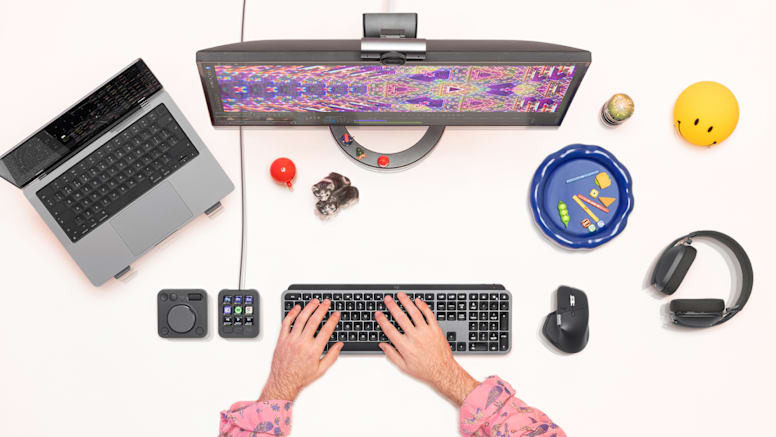
Work seamlessly across devices and OS
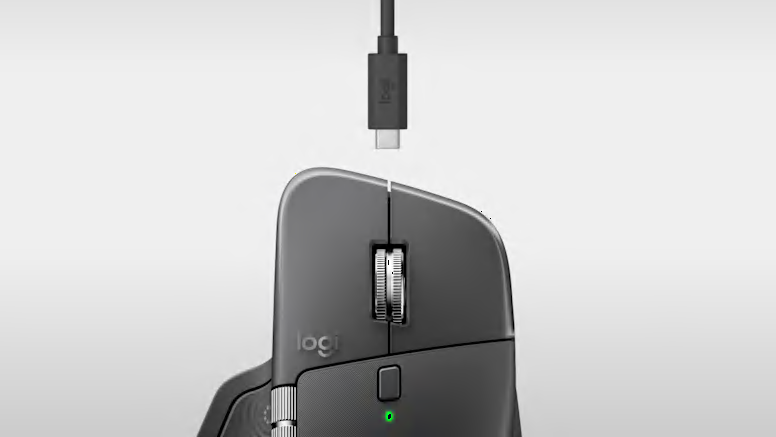
USB-C quick charging, long lasting
- الرئيسية
- »
- الكمبيوتر/ الأجهزة اللوحية
- »
- اكسسوارات الكمبيوتر
- »
- الفارة
- »
- ماوس لاسلكي Logitech MX Master 4 – رمادي فاتح (Pale Gray)
Logitech عدد الأزرار: 8 عجلة تمرير MagSpeed شحن سريع عبر USB-C مع عمر بطارية طويل نوع البطارية: قابلة لإعادة الشحن بسعة 650 mAh يعمل بسلاسة عبر عدة أجهزة ومع أنظمة تشغيل مختلفة
-
يباع من
pcstore
تصفح المنتجات الأخرى

- SKUsku_35_6150
- الشحنالتوصيل العادي,
-
توصيل
يختلف بالنسبة للمنتجات المشحونة من دولة أخرى
التسليم في غضون 4 أيام عمل - الدولةالكويت
- أيام الارجاع0 يوم
تفاصيل
Logitech
Description
Meet the MX Master 4 that brings immersive control and precision you can feel with customizable haptic feedback on specific actions. Save up to 33% of your time with Actions Ring shortcuts and MX Master 4, by accessing tools and filters at your cursor. Additional features: 2x better connectivity, ultra fast scrolling with the MagSpeed scroll wheel, 8k DPI any surface tracking, including glass & Logi Options+ for customization.
Key Features
Immerse yourself with the Haptic Sense Panel
Save up to 33% of your time with Actions Ring shortcuts*
Scroll 1,000 lines per second
Track on any surface, even glass* with the 8K DPI sensor
Experience 2 x more powerful connectivity*
More comfort. Deeper focus.
Deeper flow with 90% less click noise*
Do more with Logi Options+
Work seamlessly across devices and OS
USB-C quick charging, long lasting
ربما يعجبك أيضا من متاجر أخرى
مزود طاقة GameMax بقدرة 1050 واط بشهادة 80+ Gold مع إضاءة RGB وتصميم كامل التوصيل (Full Modular)
- 110.89 USD
اللوحة الأم Gigabyte Z790 AORUS ELITE AX بحجم ATX
- 335.92 USD
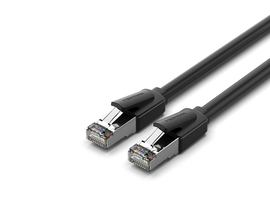
كابل شبكة إيثرنت Vention IKKBI Cat8 SFTP بسرعة 40 جيجابت/ثانية بطول 3 متر
- 19.57 USD
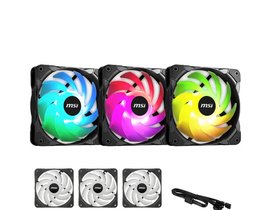
مروحة تبريد MSI MAG Max F12A-3 بحجم 120 مم (حزمة من 3 مراوح، باللون الأسود)
- 68.49 USD
 34%
34%خصم
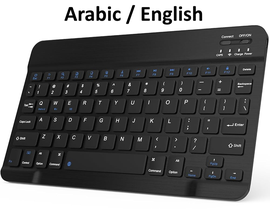
لوحة مفاتيح بلوتوث فائقة النحافة ومدمجة قابلة لإعادة الشحن، عربي / إنجليزي
- 29.35 USD
- 19.57 USD
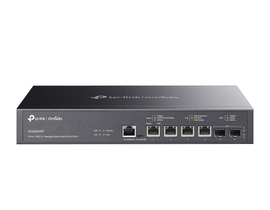
TP-Link SX3206HPP Omada – محول شبكي مُدار L2+ بسرعة 10 جيجابت مع 6 منافذ و4 منافذ PoE++
- 622.92 USD
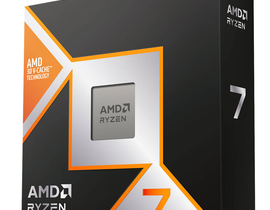
معالج AMD Ryzen 7 9850X3D للألعاب لأجهزة الكمبيوتر المكتبية (نسخة OEM)
- 665.32 USD
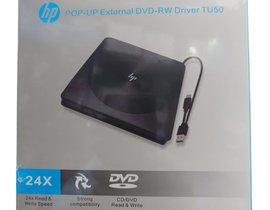
ناسخ أقراص DVD خارجي HP POP-UP محمول بمنفذين USB-A 3.0 وUSB-C
- 42.40 USD
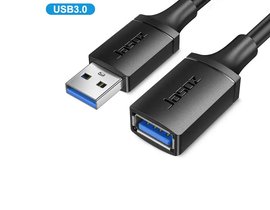
كابل تمديد Jasoz D114 USB 3.0 من USB-A ذكر إلى USB-A أنثى بطول 2 متر
- 11.41 USD
 29%
29%خصم
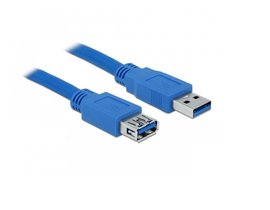
كابل تمديد USB 3.0 نوع Type-A ذكر إلى أنثى بطول 1.8 متر
- 11.41 USD
- 8.15 USD