

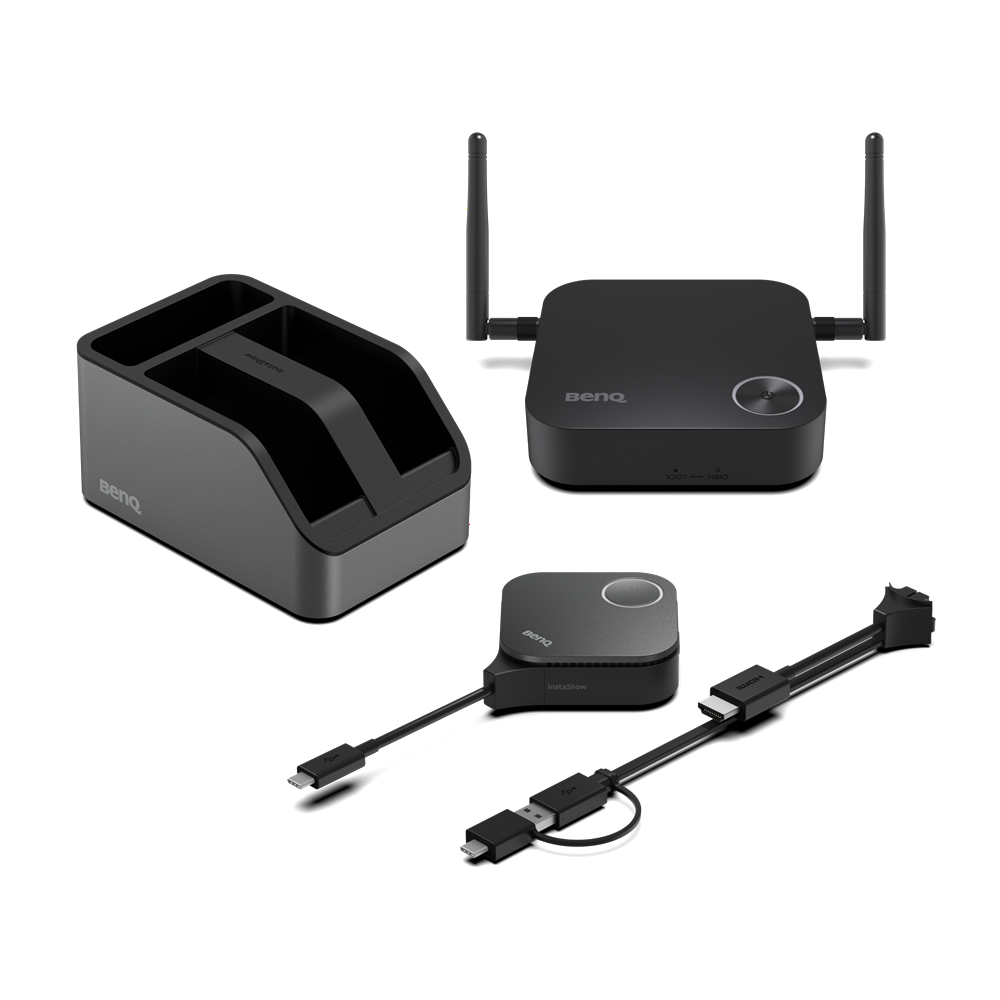


Details
BenQ
- No Setup: no apps, drivers, or network required
- Guest-Friendly: share without login hassle
- Zero Latency: smooth 4K/30fps video playback
- Secure Connection: CVSS 4.0 certified encryption
- Hassle-Free Maintenance: swappable plugs

No App Download Required
No software or app required—just plug in and instantly share content during your meeting.

No Driver Needed
No drivers needed—just plug in and share your screen instantly during meetings.
*Supports Windows, macOS, Linux, or ChromeOS systems.

No Network Setup Required
No complex network setup or IT help needed. Receiver and button pair automatically—just plug and play to start presenting instantly.
Guests can present instantly via HDMI or USB-C—no app or login required. Securely share from any laptop, including MacBook and Chromebook, keeping meetings on track.


Set up once—no need to rebuild for every meeting. Save time, cut support, and let presenters start instantly by plugging in.
Steps:
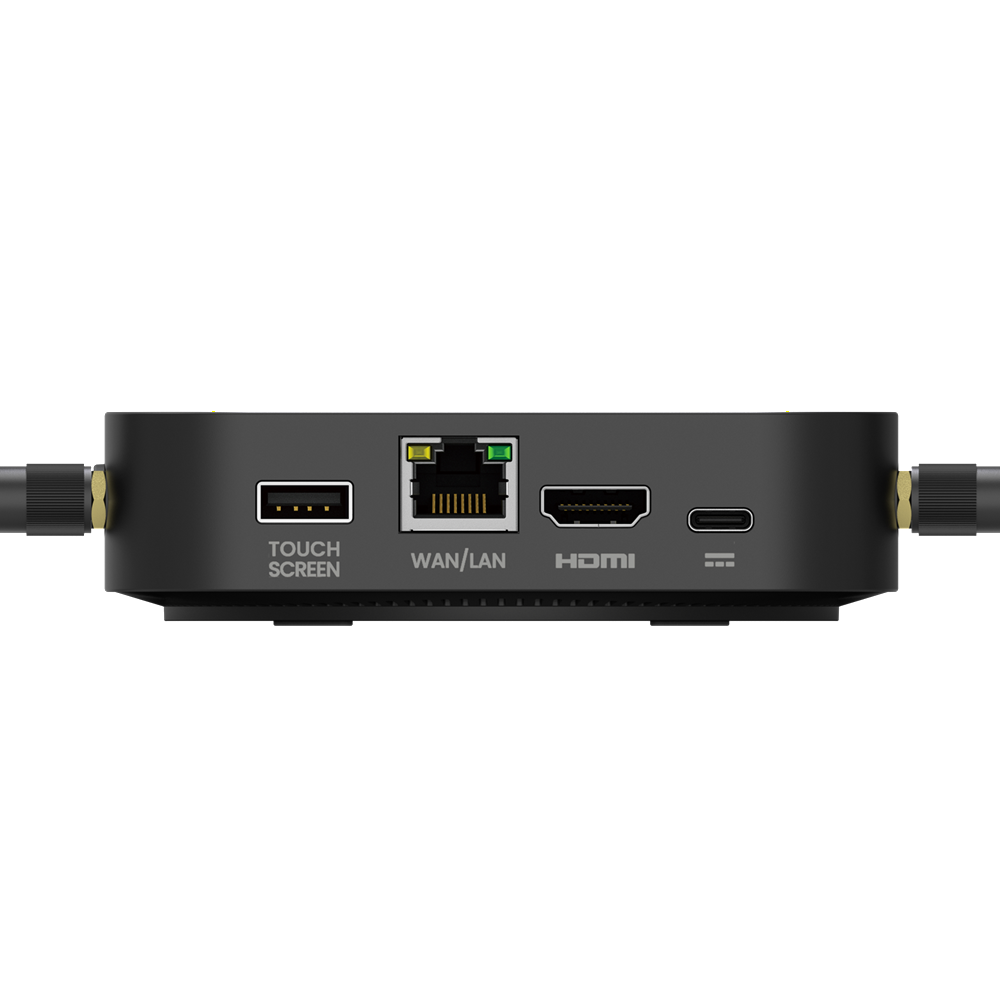
1. Connect display to Receiver via HDMI cable
2. Plug Button into presenter’s laptop *Supports Windows, MacBook, or Chromebook systems.
3. Share content from presenter’s laptop via Button

Crisp 4K Transmission Without Lag
Showcase 4K content smoothly, with no distortion or stutter, delivering powerful visuals that convince decision-makers.

Direct Touch Control on Display
Control content right from the interactive display—no interruptions, just smooth and natural interaction.
*MacOS Touchback: Available in Q1 2026.

Smooth Streaming of Protected Content
App-free design boosts PC performance, ensuring smooth, lag-free HDCP content playback for seamless presentations.
Zero Software or Network Setup
No software or internet needed, minimizing risks and keeping sensitive data safe from breaches and hacks.

WPA3 Security Protection
WPA3 encryption secures the receiver-button connection, keeping every presentation safe, secure, and reliable.

HDCP Support
Supports HDCP-encrypted HDMI content, letting presenters connect devices without security errors or blank screens.

CVSS 4.0 Certified Security
Certified to CVSS 4.0 for guaranteed information security.

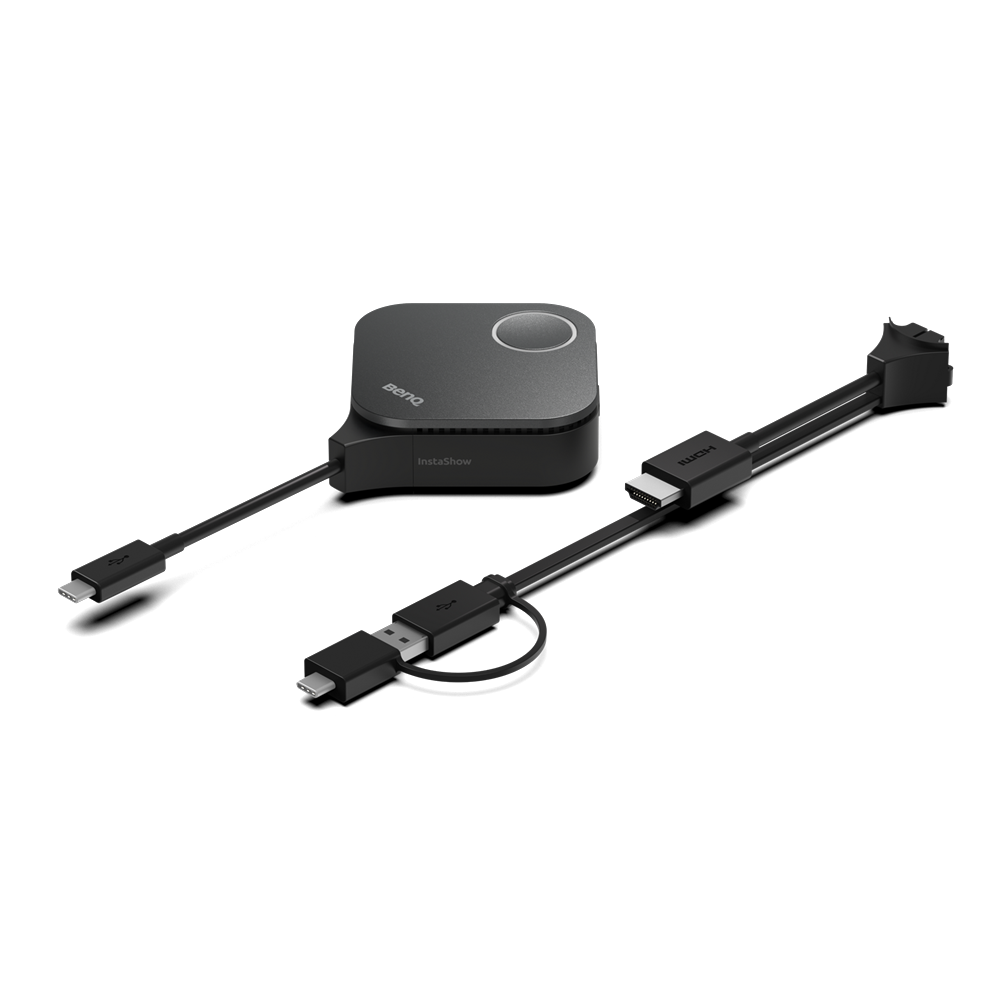
Quickly switch between HDMI and Type-C for easy maintenance and seamless device use.
*Uses the Phillips #0 screwdriver to loosen, remove and replace the plug.
- Home
- »
- Computer/Tablets
- »
- Accessories
- »
- Adapters and Connectors Cables
- »
- BenQ InstaShow WDC15 4K UHD Wireless Presentation System, HDMI Extender
BenQ No Setup: no apps, drivers, or network required Guest-Friendly: share without login hassle Zero Latency: smooth 4K/30fps video playback Secure Connection: CVSS 4.0 certified encryption
-
Sold by
pcstore
See other items

- SKUsku_10_617
- ShippingOODDSS Economy Delivery 1KD,
-
Delivery
Varies for items shipped from an international location
Delivery within 4 business days - CountryKuwait
- Return0 days
Details
BenQ
- No Setup: no apps, drivers, or network required
- Guest-Friendly: share without login hassle
- Zero Latency: smooth 4K/30fps video playback
- Secure Connection: CVSS 4.0 certified encryption
- Hassle-Free Maintenance: swappable plugs
No App Download Required
No software or app required—just plug in and instantly share content during your meeting.
No Driver Needed
No drivers needed—just plug in and share your screen instantly during meetings.
*Supports Windows, macOS, Linux, or ChromeOS systems.
No Network Setup Required
No complex network setup or IT help needed. Receiver and button pair automatically—just plug and play to start presenting instantly.
Guests can present instantly via HDMI or USB-C—no app or login required. Securely share from any laptop, including MacBook and Chromebook, keeping meetings on track.
Set up once—no need to rebuild for every meeting. Save time, cut support, and let presenters start instantly by plugging in.
Steps:
1. Connect display to Receiver via HDMI cable
2. Plug Button into presenter’s laptop *Supports Windows, MacBook, or Chromebook systems.
3. Share content from presenter’s laptop via Button
Crisp 4K Transmission Without Lag
Showcase 4K content smoothly, with no distortion or stutter, delivering powerful visuals that convince decision-makers.
Direct Touch Control on Display
Control content right from the interactive display—no interruptions, just smooth and natural interaction.
*MacOS Touchback: Available in Q1 2026.
Smooth Streaming of Protected Content
App-free design boosts PC performance, ensuring smooth, lag-free HDCP content playback for seamless presentations.
Zero Software or Network Setup
No software or internet needed, minimizing risks and keeping sensitive data safe from breaches and hacks.
WPA3 Security Protection
WPA3 encryption secures the receiver-button connection, keeping every presentation safe, secure, and reliable.
HDCP Support
Supports HDCP-encrypted HDMI content, letting presenters connect devices without security errors or blank screens.
CVSS 4.0 Certified Security
Certified to CVSS 4.0 for guaranteed information security.
Quickly switch between HDMI and Type-C for easy maintenance and seamless device use.
*Uses the Phillips #0 screwdriver to loosen, remove and replace the plug.
You may also like
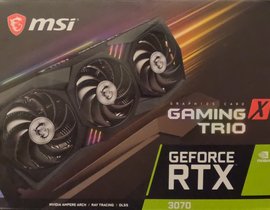
MSI RTX 3070 GAMING TRIO X
- 226.88 USD
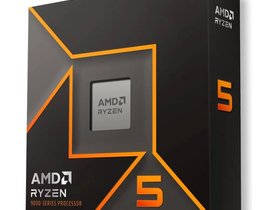
AMD Ryzen 5 9600X Gaming AM5 Processor
- 294.94 USD
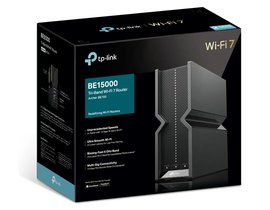
TP-Link Archer BE700 BE15000 Tri-Band WiFi 7 Router, 2.5Gbps / 10Gbps
- 340.31 USD
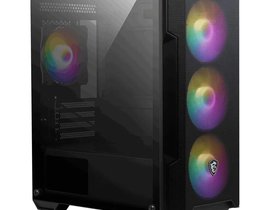
MSI MAG FORGE M100A Micro ATX Tower PC Case, Black – 4 Fan
- 71.30 USD
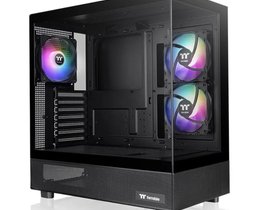
Thermaltake View 270 TG ARGB Mid Tower PC Case – Black, 3-Fan
- 87.51 USD
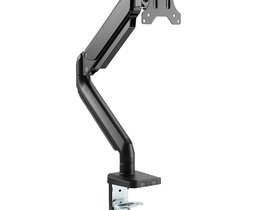
Twisted Minds TM26C06 17″ – 32″ Single Monitor Arm Desk Mount Table Stand, Flat & Curved
- 48.62 USD
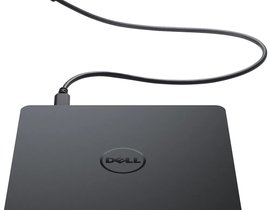
Dell DW316 USB DVD±R/W Optical Drive External DVD Writer Portable Burner
- 38.89 USD
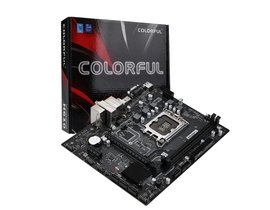
Colorful BATTLE-AX H610M-P WIFI D5 V20 Motherboard
- 110.20 USD
HP External USB DVDRW Drive Optical DVD Writer Portable Burner (F2B56AA)
- 42.13 USD
MSI MAG COREFROZR AA13 – CPU Air Cooler Fan, Black
- 58.34 USD